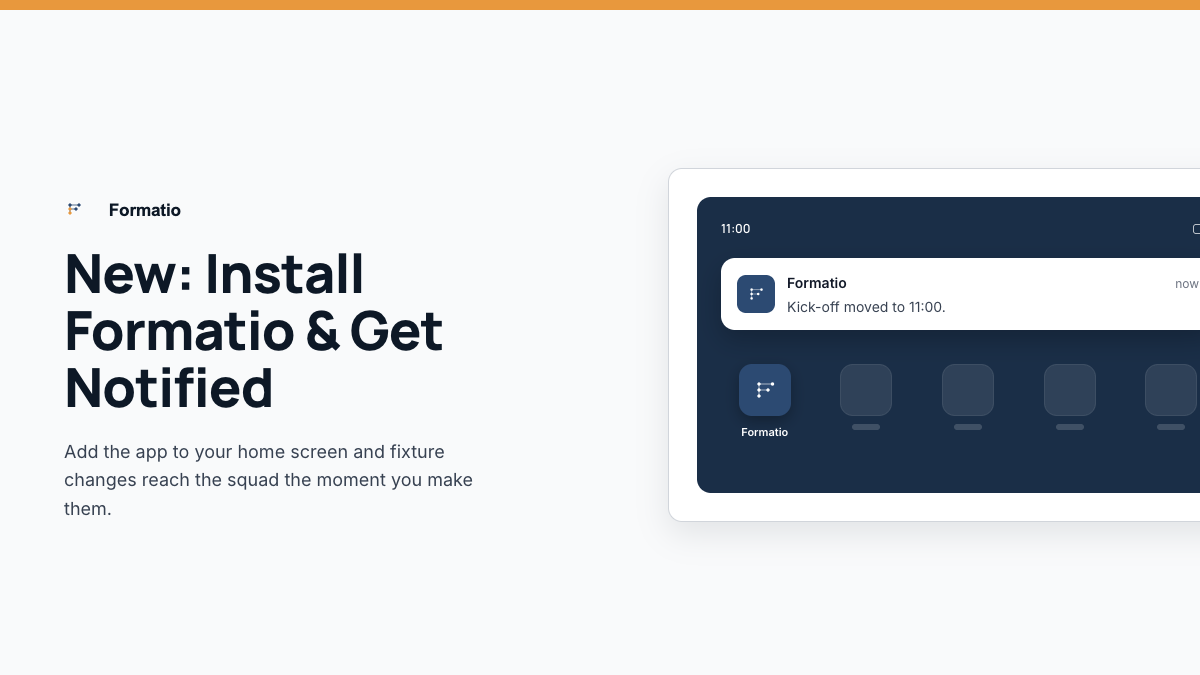
You can now add Formatio to your phone's home screen like a regular app — its own icon, opens full-screen, no browser address bar in the way. And alongside it, real push notifications: the moment a fixture's time changes, a session's cancelled, or a payment needs attention, it lands as a proper notification on your phone, not something you only see if you happen to open the app.
Why this matters
The whole point of Formatio's notification system — flagging cancellations, time changes, and payment issues the moment they happen — only works if you actually see the notification. Adding Formatio to your home screen and turning notifications on is what makes that real, rather than something you only find out about next time you happen to check the app.
Takes about a minute to set up
No App Store, no download, no account creation beyond what you've already got. Just add it to your home screen from your browser, then turn notifications on from inside the app — full instructions are in the Help Centre.
Full step-by-step guides for iPhone and Android are in the Help Centre — search "home screen" or "notifications." formatio.club.